

(below):
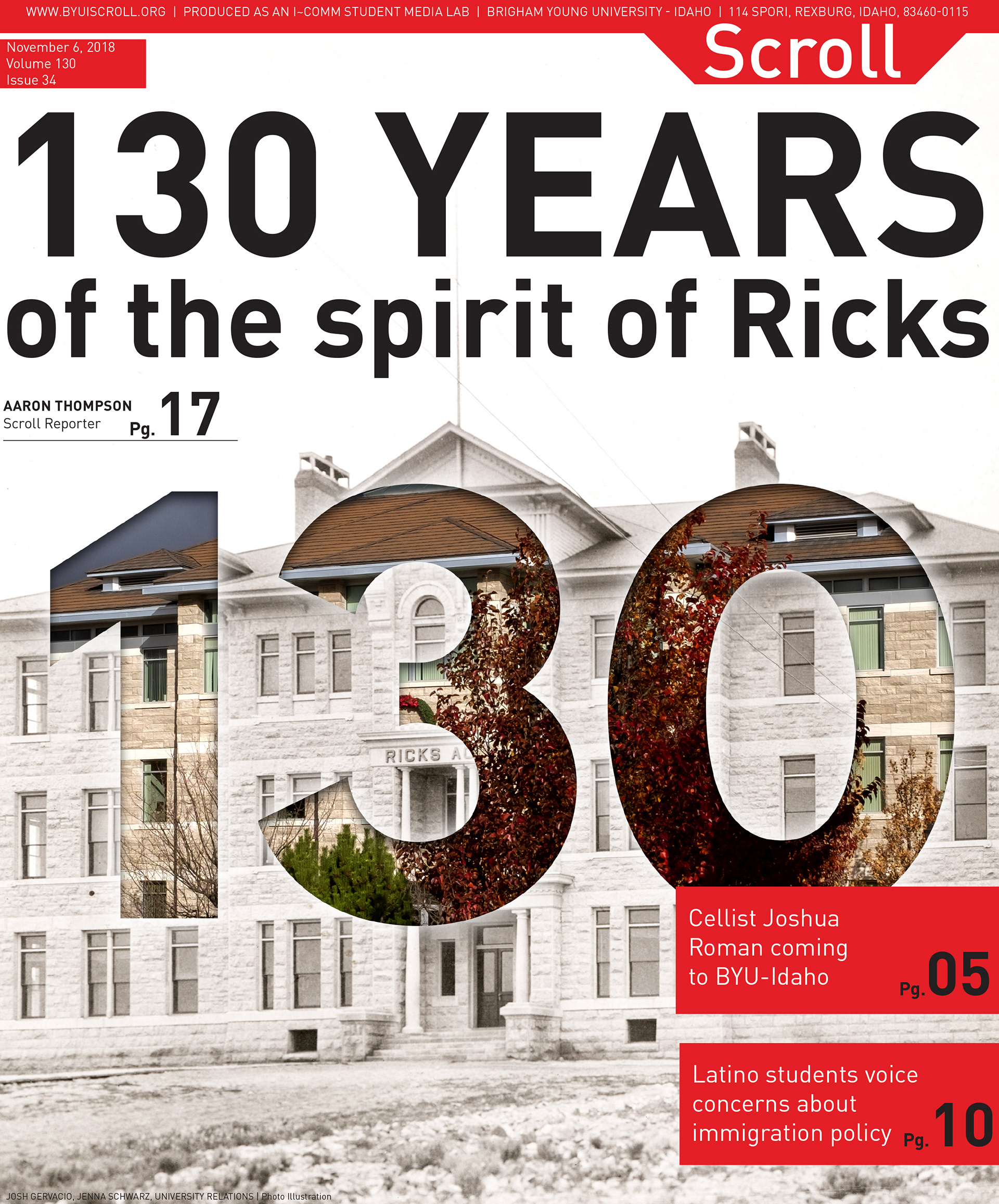
Front Page covers: Front page stories are determined in weekly editorial staff meetings, followed by collaboration between the Managing Editor and the Photo Editor on how to visualize the story. Front page imagery always has a quick turnaround, with the feature story being determined on Thursdays or Fridays and the imagery being created, finalized, and sent for print with the rest of the paper on Saturdays.
Front Page covers: Front page stories are determined in weekly editorial staff meetings, followed by collaboration between the Managing Editor and the Photo Editor on how to visualize the story. Front page imagery always has a quick turnaround, with the feature story being determined on Thursdays or Fridays and the imagery being created, finalized, and sent for print with the rest of the paper on Saturdays.


(below):
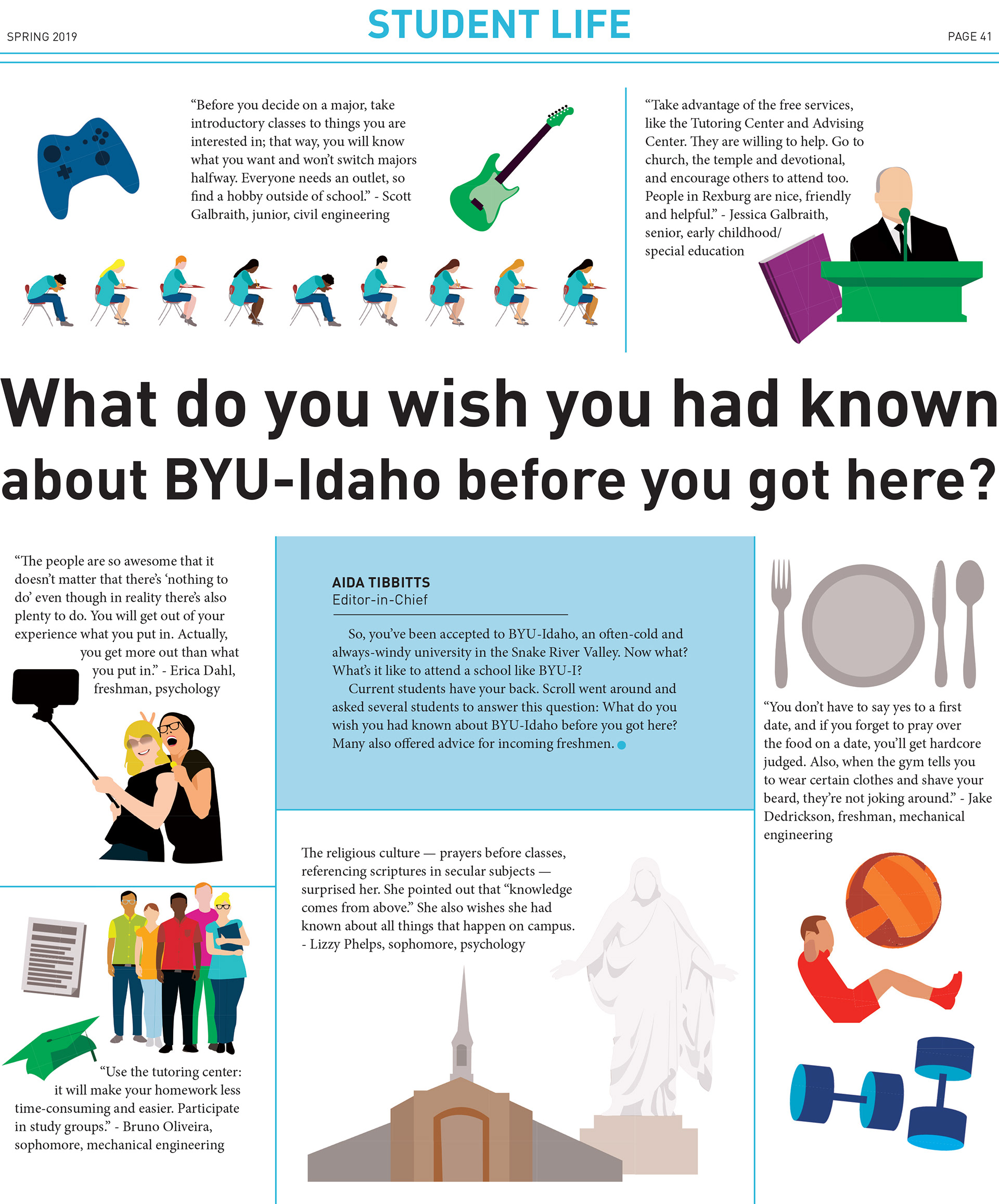
Story graphics: Vector graphics created to provide imagery to printed stories, for times when photography is unable to accompany a story effectively.
Story graphics: Vector graphics created to provide imagery to printed stories, for times when photography is unable to accompany a story effectively.





(below):
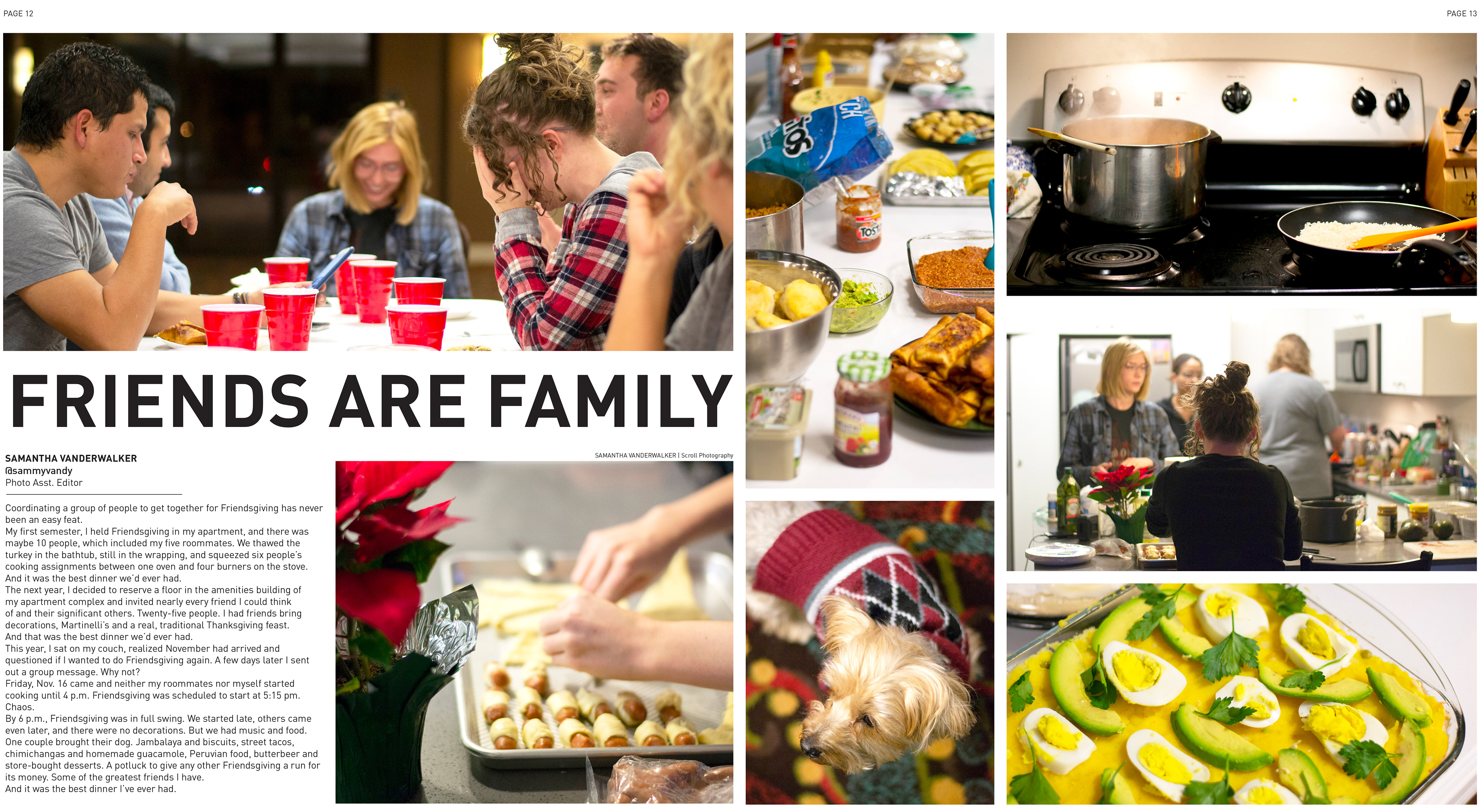
Photo spread designs: Located in the center of the newspaper, Scroll's photo spreads focus on an event or topic relevant to that week, like local concerts, holidays on campus, or sports.
Photo spread designs: Located in the center of the newspaper, Scroll's photo spreads focus on an event or topic relevant to that week, like local concerts, holidays on campus, or sports.



(below):
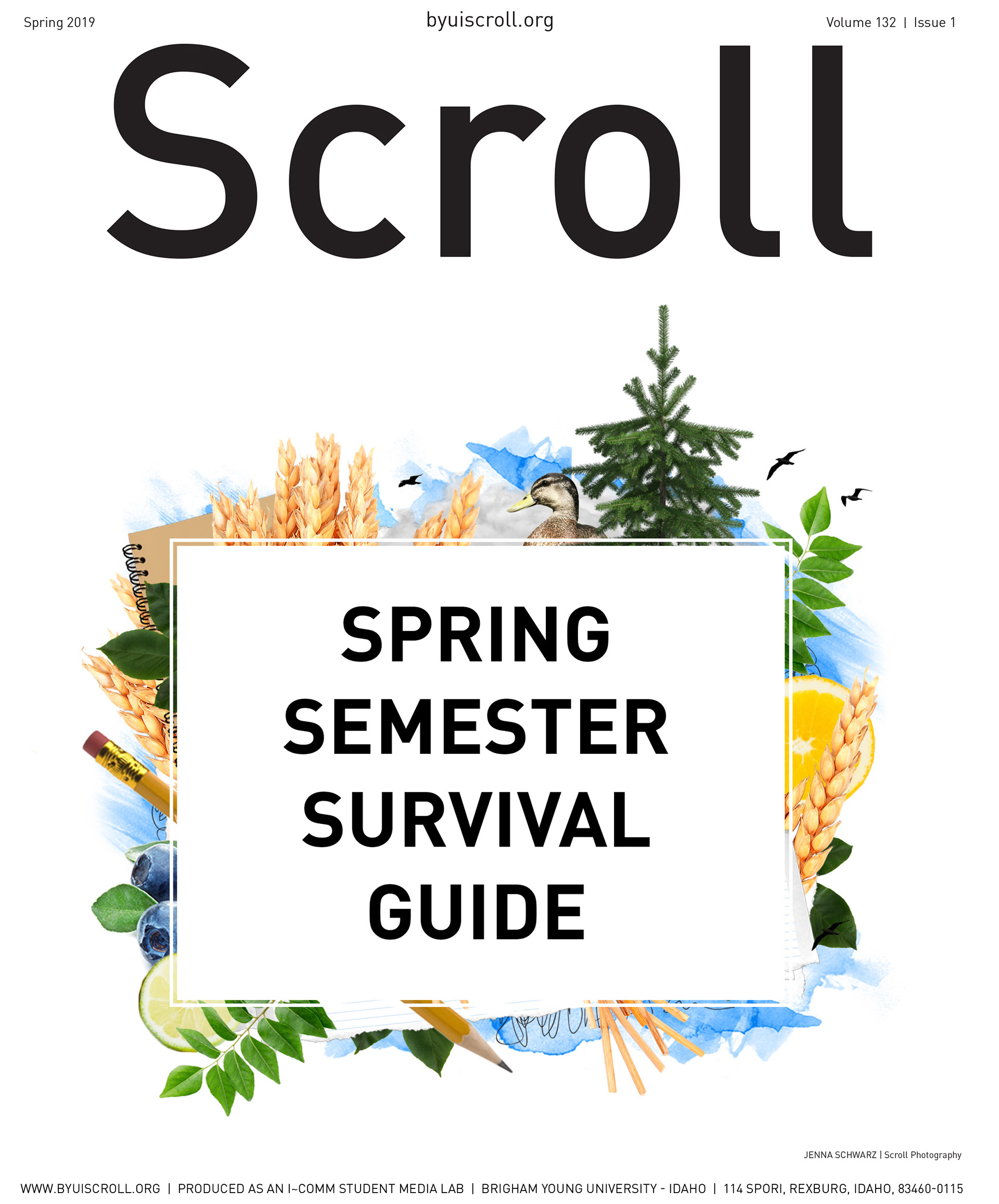
Scroll Spring 2019 Semester "survival guide": At the end of 2018, Scroll made the transition to a more online-focused presence, phasing out weekly printed publications and focusing more on online, shareable stories. With this transition, the printed paper evolved from a 20-page local news publication to a 40+ page "semester survival guide". These were published at the beginning of each semester and focused on important events, advice from students, information about each college, and other campus-related topics.
Scroll Spring 2019 Semester "survival guide": At the end of 2018, Scroll made the transition to a more online-focused presence, phasing out weekly printed publications and focusing more on online, shareable stories. With this transition, the printed paper evolved from a 20-page local news publication to a 40+ page "semester survival guide". These were published at the beginning of each semester and focused on important events, advice from students, information about each college, and other campus-related topics.
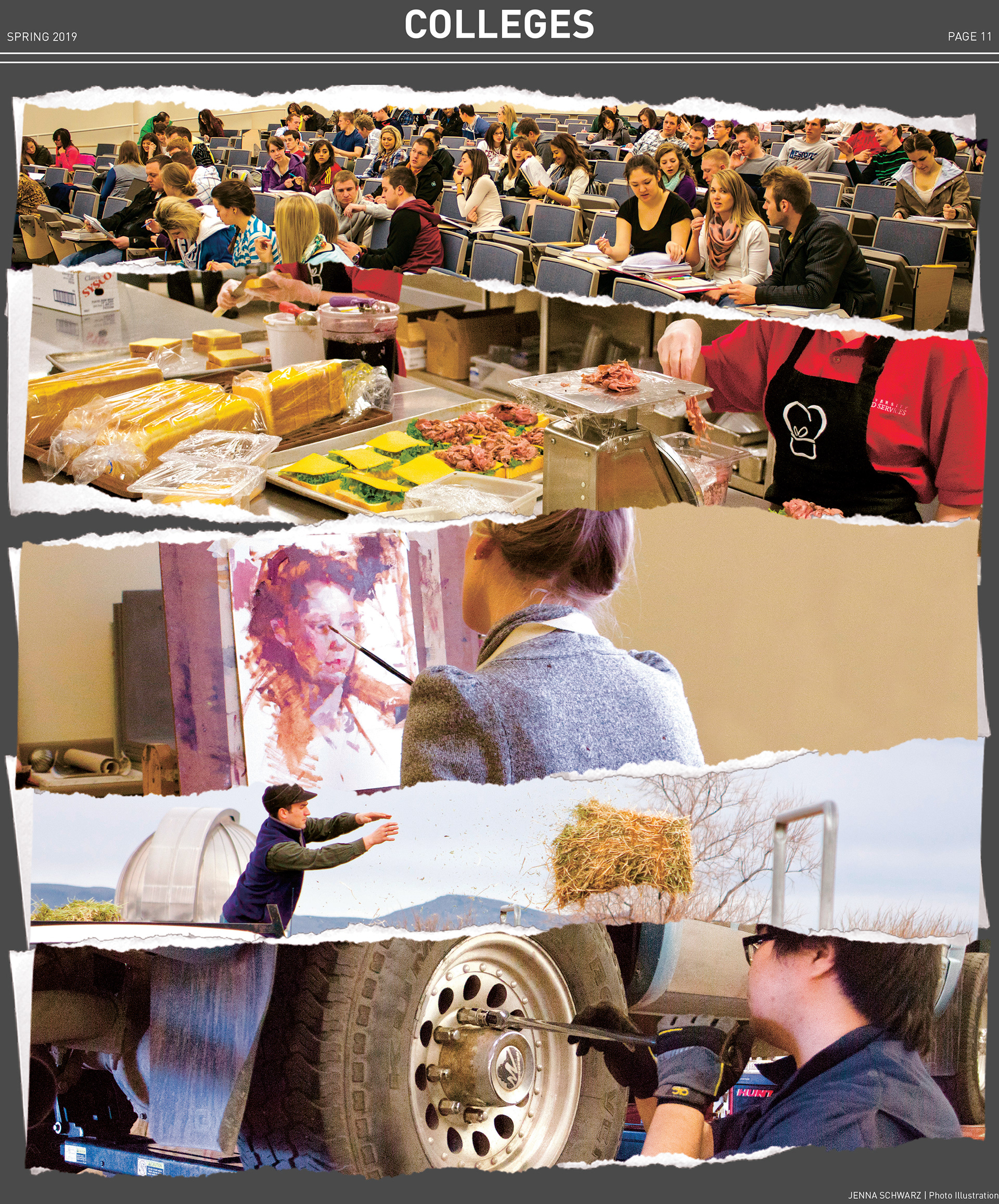
I set a standard that each semester's guide would have its own visual theme. Page content design like headlines, photography, and body copy would stay the same, but page headers, section openers, ads, and the cover would be completely unique. Below are some of the pages created for the Spring 2019 guide, showing the cover, an opener, one of the house ads, and other page layouts.


(below):
Scroll app advertisements: Advertisements created to promote Scroll's new app, placed on the back cover of printed Scroll newspapers.
Scroll app advertisements: Advertisements created to promote Scroll's new app, placed on the back cover of printed Scroll newspapers.